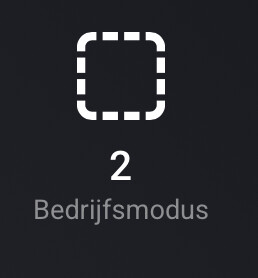
Especially the “Active WW request (on/off)” and “Direct Outlet DG1 (on/off)” can be helpful since these indicate if Hot Water production is active or DG1 is active.
These values are switches around, if this is correct my floor is heating the water and it should be the other way around . I think this is the correct way of showing when Cooling the floor because the heat pump is working the other way around in that case. My heat pump is in idle, so I will double check this when the DG1 is active.
Being able to write values would be super useful, doing this via HomeAssistant works, but using 2 ecosystems is not what I want.
Would be also good if you can choose what Capability is shown, the Consumed power i.e.g. is not interesting as I have my own power meter monitoring this (I saw your post about this on GitHub), btw I’m “kenny-s240” on Github .
My statement about the temperature showing the Wong way around is not correct. It’s from the heat pump perspective, so outgoing water is ‘hot’ and incoming water is ‘cold’.
This release adds 26 new sensors, bringing the total to 49 capabilities - matching (and slightly exceeding) the Home Assistant Eplucon integration by Koen Hendriks.
New Features:
Status & Mode Monitoring: Operation Mode, Heating Mode, Heating State, Heating Pump State, Alarm Active
Hot Water Controls: Active WW Request (on/off), WW Temperature Configured, Warm Water Active, Domestic Hot Water, Heatloading Active/Heating
Energy Monitoring: Energy Delivered, Energy Usage, Import/Export Energy, Total Active Power, SPF (Seasonal Performance Factor)
Refrigerant Diagnostics: Suction Gas Pressure & Temperature, Expansion Valve Position
Pump & Counter Data: Production Circulation Pump, Number of Starts
I also have the 3ph pm installed you have installed. This is shown in the Eplucon app and can be used as you do to trigger the Pump, but I’m not using this. These are the house values and not the pump values, kind of a P1 meter.
“Version 1.3.0 is now available as a new app (nl.eplucon.heatpump). Due to App Store requirements, the app ID had to change. Please uninstall the old version and install the new ‘Eplucon Heat Pump’ app, then re-add your heat pump.”
I noticed the fan speed is in RPM, for some strange reason this is called a speed in the th-touch but it’s actually a percentage value. Depending on the brand of the outdoor unit the speed is about 600-700 rpm at 100%.
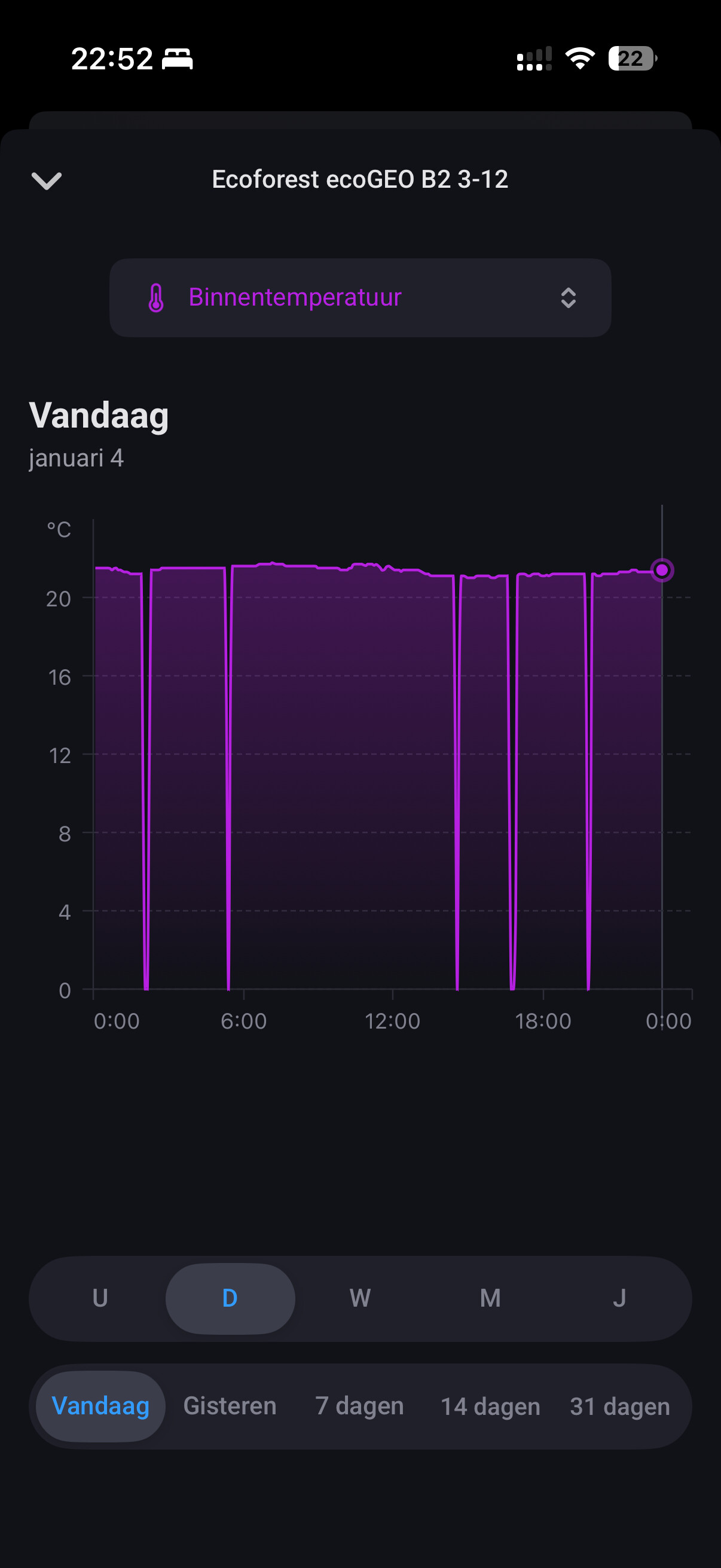
Awesome that you made this app . It works great for me! So glad to finally have my ecoforest in my homey. It seems though sometimes some values are updated after 2 hours, 1 hour, 3 hours (random it seems) instead of every minute. Is that what it’s supposed to do?
Ah allright, so it means the value has not changed since then? It only updates the value when it changes? Got it thanks . It also sometimes updates the value to zero, I have that with all the variables. Any idea what that might be?
Thanks for the update, the 2 new if triggers work perfect.
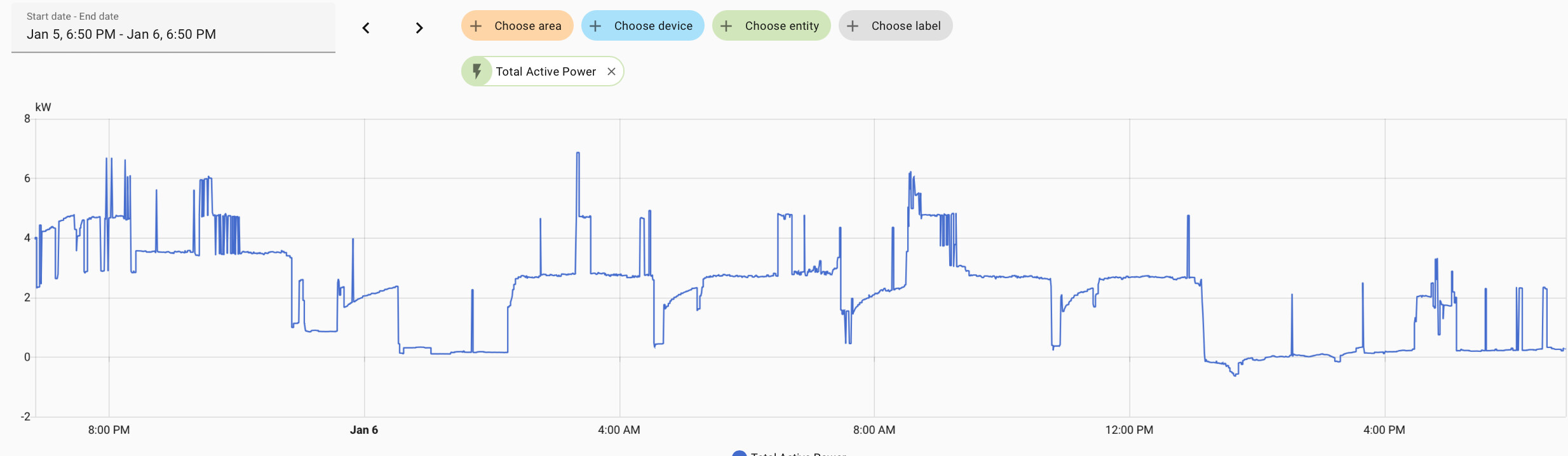
I noticed a strange value, “ total active power”:
It seems to have some kind of relationship with the energy usage because the peaks are kind of in the same spots as the power meter… but the value is in the range of 0,3 to about 6W.
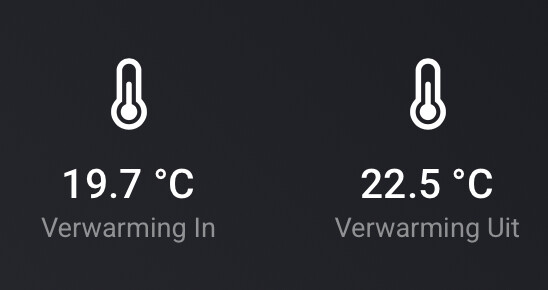
 . I think this is the correct way of showing when Cooling the floor because the heat pump is working the other way around in that case. My heat pump is in idle, so I will double check this when the DG1 is active.
 .
.


 . It works great for me! So glad to finally have my ecoforest in my homey. It seems though sometimes some values are updated after 2 hours, 1 hour, 3 hours (random it seems) instead of every minute. Is that what it’s supposed to do?