After months of reverse engineering and looking through the codebase of pyatv, I’m confident enough that my version of the Apple TV and HomePod app is ready for testing.
It’s not considered stable, but it works.
Pairing an Apple TV
This can be done with one PIN and those credentials are saved for future use. It survives Homey and Apple TV reboots.
Pairing a HomePod (Mini)
This can be done without a PIN, which is called transient pairing. The device is added and is paired everytime the Homey app needs to connect.
Please let me know if something goes wrong or is broken.
@Waldo Haha! I wondered where those extra installs came from…
OT: Lots of small updates are expected, small protocol adjustments and stuff. I want everything to be stable before adding new features. Source code of the underlying protocols will be published on GitHub eventually.
I want to support it eventually, but audio streaming is not that straightforward as you might think. I have a half working PoC, but that is in no way ready for in the Homey app.
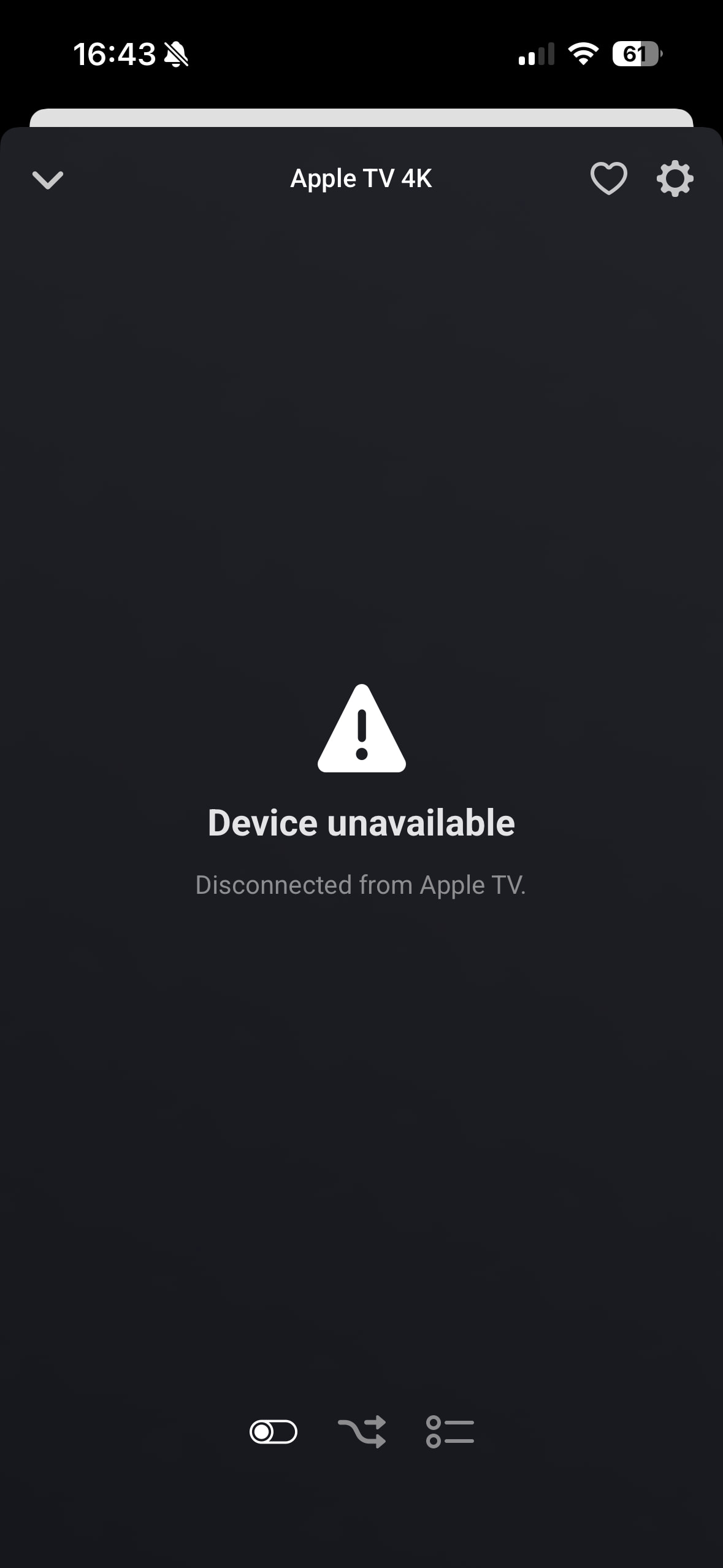
My Apple TV disconnected, not sure when it happened. But my wife started watching something on the Apple TV via AirPlay from her iPhone and I wanted to see if the app had picked it up. Then I noticed it wasn’t connected anymore.
I’ve just updated the app to 0.0.27 and did a lot of internal refactoring. Please keep testing!
The app should be better at recovering from a connection loss.
Updating now playing state has been rewritten, but does not have all features yet.
Added regular HomePod as a device. If your HomePod can still not be added, please give the device identifier (AudioAccessoryX,X).
Updated the device icons.
I’ve also identified what causes pairing to get stuck, but that is not fixed yet. If it takes longer than a few seconds, please try again, because it won’t finish
I’ve noticed that the Now Playing App capability keeps the last value until another app is used to play media. Not sure if this is a design choice or that the Apple TV doesn’t communicate a state where no app is used.
Anyways as a user I expect this capability to ‘reset’ to a default/empty state when no media is playing, instead of keeping the value of the last used app to play media.
Yeah, the device only reports a new media source when it is actually playing something. I have it on my todo list that I reset that value once media is paused or something. Thanks for reporting though!
Too bad Sandwich Spread! Adding HomePods still does not work (eternal loading after selecting the HomePod I like to add). Same issue for Mini and Regular. Happy to provide device identifier. Where do I get this? Is that the code you get when sending a bug report (76898332-e47f-4da8-9c0c-fb506d430e12)?