hi @RonnyW I was getting alot of pings (180+) on location after addign the car and tried removing it from homey and the cars virtual profile/key. But when re-adding the car I only get an error.
My idea was to re-add the car but without location sharing as I don’t really need it for my flow.
I’ve compiled a diagnostic report below to share if that helps.
cf4a970d-046f-49df-bfa2-c6145ef848c5
Location requests are done if a location device is added.
Without a location device in Homey, the data request doesn’t request location details.
But it can be that Tesla changed something…
And location data is only transferred on data requests. That’s independent of adding a car key (only needed for commands).
Your report:
error is, that you try to use the (Homey)domain for another client_id. That’s not possible if the domain was/is registered for an app at Tesla.
Use your ‘old’ client_id.
Clear your browser cache and repair your car device (or remove/add). Then the oAuth popup should be shown again and you can deselect location scope.
If the oAuth popup is not shown, the browser has still a cookie active with your login session. Clear cookies for tesla.com and pair/repair again.
As addition: Location reading can be configured on several places:
Tesla dev account: remove scope in your app definition
You won’t be able to set this scope in pair view
Pairing (auth popup): don’t set scope for location
You can remove app permissions here. But the app doesn’t check scopes. If something is not allowed (commands), the flow actions will error.
Remove or don’t add location device. Location details are read if a location device is added. The other way around you will need location permission for location device to get data.
I had created a new developers account (on a different email address), instead of logging in with my existing Tesla account. After realizing my mistake, I deleted the wrong account and tried again with the correct account. However, it seems that my old account is still stored somewhere within the app.
After the step where I enter my (correct) Client ID and Secret I should go to the login page. However I get an error.
422 Unprocessable Entity: {"response":null,"error":"Validation failed: Domain has already been taken","error_description":"","txid":"9fa2dfdb217a73dd9a02c1d3bd25cc27"}
If you add a client_id from your Tesla account i to the pair view, the public key and your domain (Homey specific URL) is bound to the Tesla app.
If this registration is done, it’s fixed. You can’t remove the binding of your URL and your app id. I think, also Tesla can’t do it. They also suggest to create a new app id in this case
So better use your app id you added first (the other account).
It doesn’t make a difference.
You only have to clear browser cookies for tesla.com if you logged in first with your developer account to get a new login popup to login with your car account.
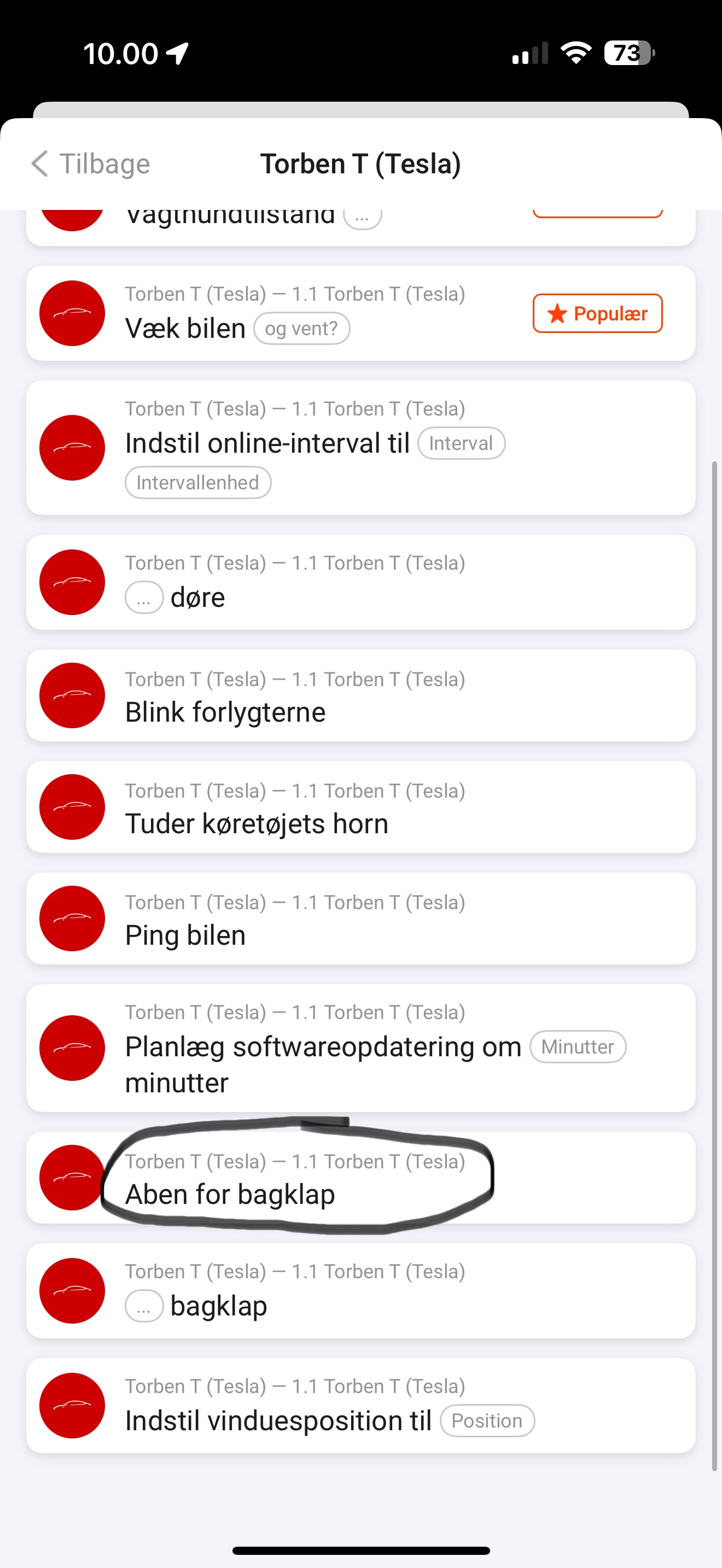
Added security commands: lock/unlock doors, open/close trunk, open front trunk.
Hint: The old flow card “actuate trunk” is deprecated now. If you are using Command-API, please remove and use the new one where you can now select open/close trunk. The front trunk has an own flow card now to open it.
We are now 12 days in, and I’m already getting the “Tesla API limit exceeded” alert. How can I change this? I don’t understand any of this. I only use this app to open my garage door and turn on my air conditioning, so it doesn’t need to constantly request data