New test version 2.0.16
- Finally the issues should be solved.
- API counter will reset at 0:00 local time.
New test version 2.0.16
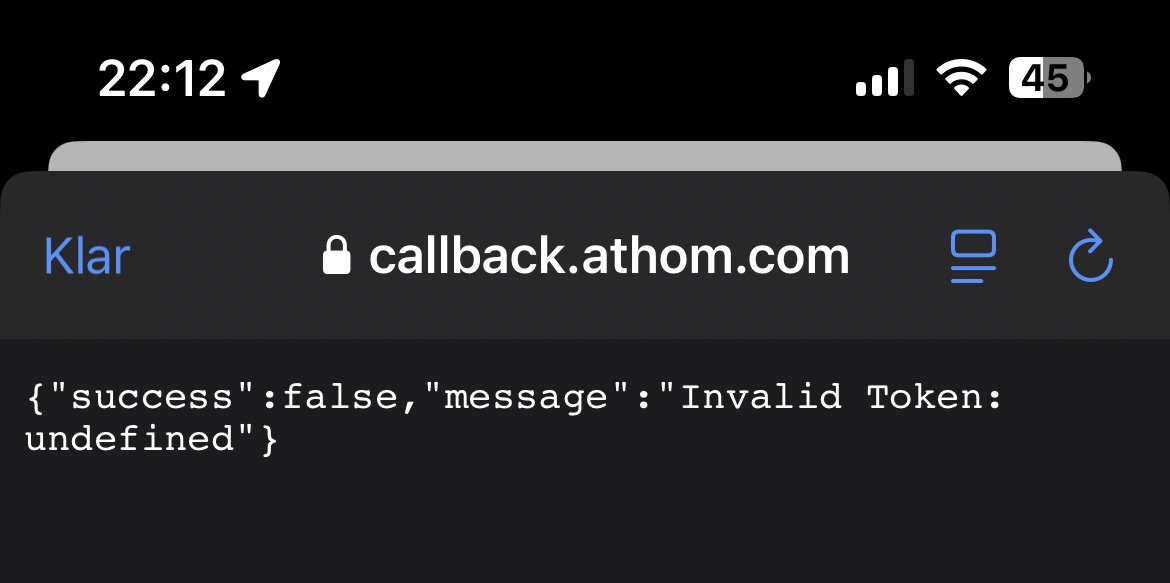
@RonnyW so sorry to disturb but I don’t understand this error.
Did you fiish the pair process and added the app as car key?
You can do this again in repair view (repair device) then select the second button and follow the instructions.
This will open the Tesla app to add the key to your car.
Then the app is allowed to control the car.
Sometimes, the red message doesn’t disappear even if the app removes the unavailable hint. If that’s the case, please restart the app once.
Hey,
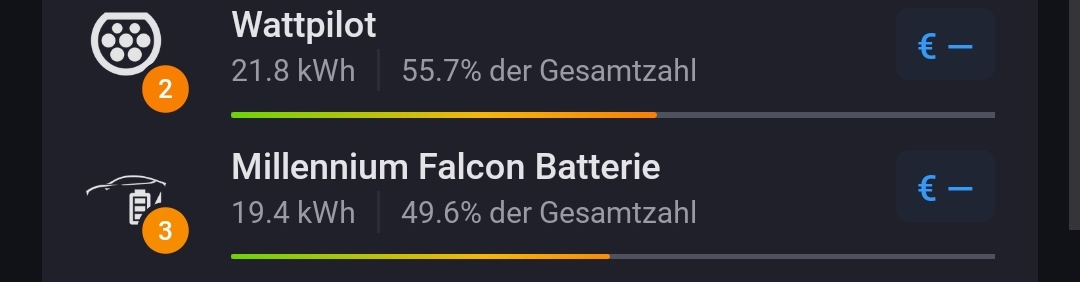
Coming back to the energy page ( ), I see my Tesla under top consumers, but no values even after charging.
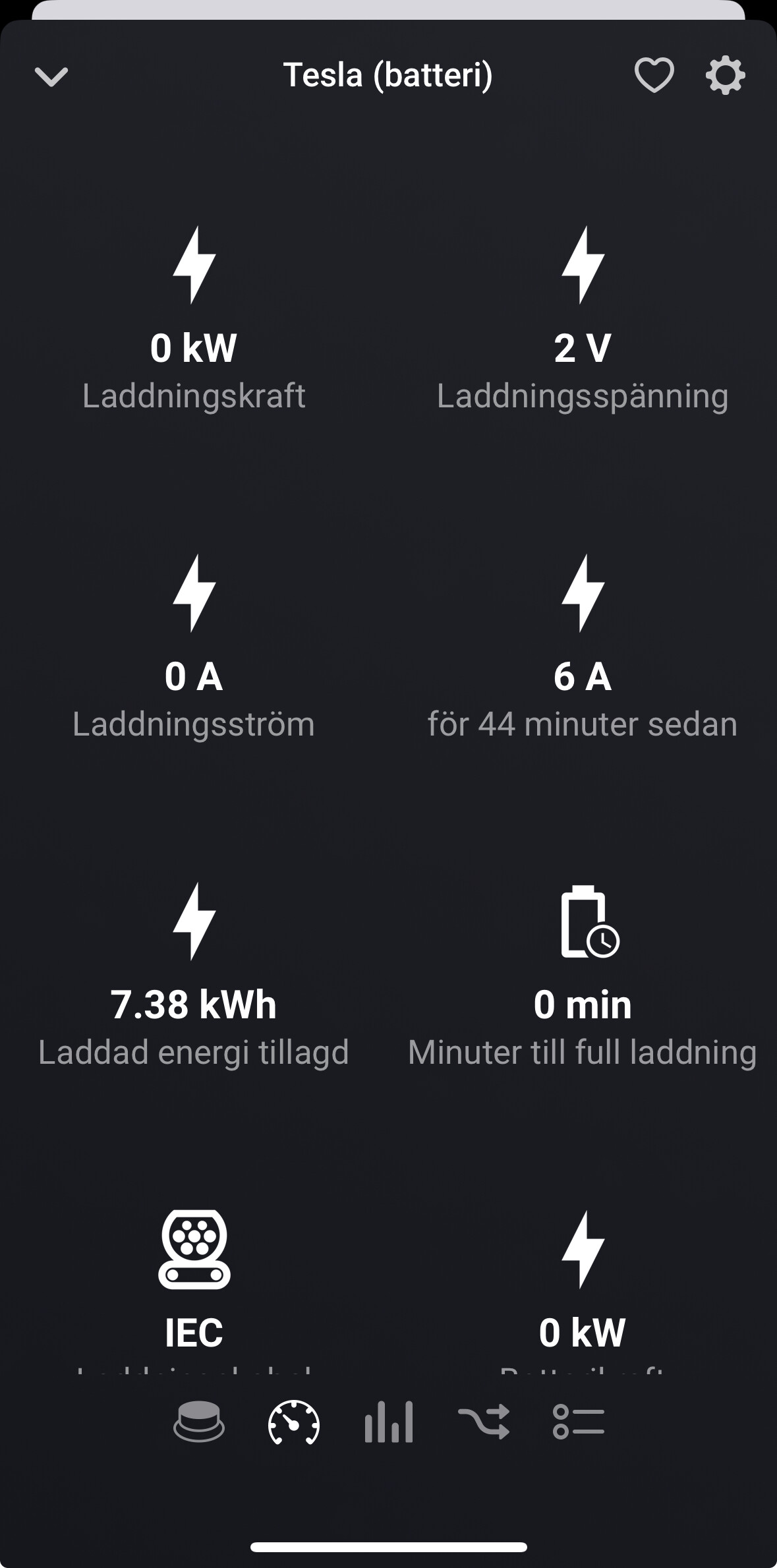
If I go to the Tesla battery device, I can see my last charging that was 7.38 kWh.
Is it possible to add this number to Energy instead of Charging energy meter (sorry if translation is bad)?
Would be really nice to see my charge as % of daily consumption.
Thanks!
Looks all right.
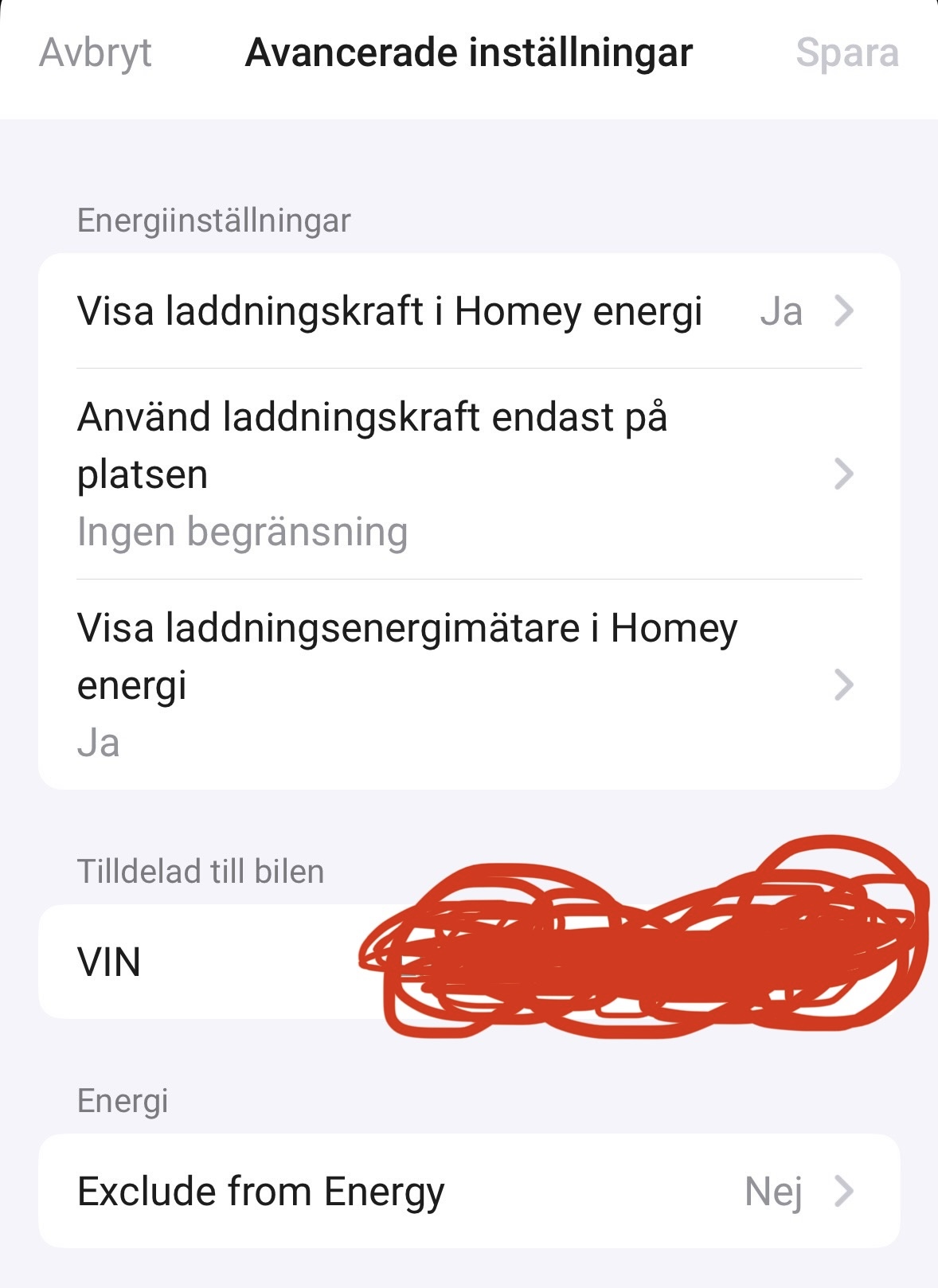
The settings (add to Homey energy) addes two additional capabilities meter_power (whole added energy) and measure_power (current load).
If you added it today, it can take up to one day to appear in the list I think.
That’s what I thought as well, but I added the device two days ago, and enabled the settings yesterday morning.
So there’s been two days of charging without data
Ah it seems to be working now.
So there was no data at all from the day I added the device (Sunday), and the data from yesterday (Monday) didn’t get added until today (Tuesday).
So it’s not ”live” tracking like my smart plugs, but at least I can track it over time which is good enough for me.
Thank you!
Got it now.
The car itself doesn’t have a power meter.
It only reports the ‘added energy’. So the app is using this if the cable gets disconnected to sum up the the meter_power capability.
That’s why you will see this value only after unplugging the cable.
The meter does not change while charging. Only measure_power does show the current usage in W.
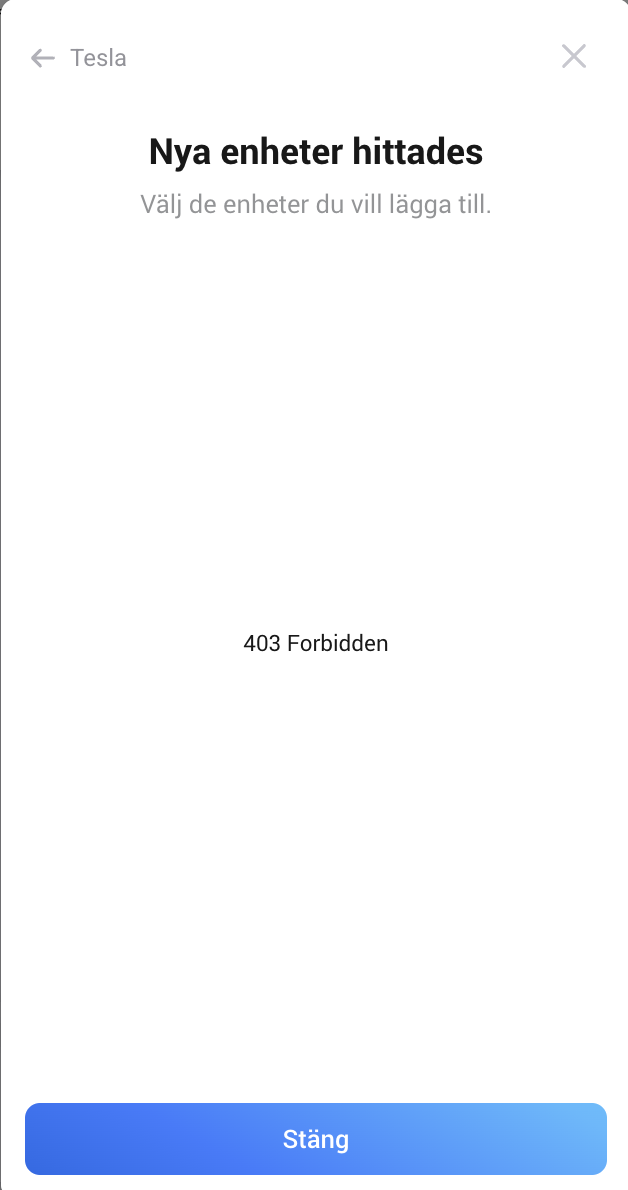
Hi Ronny, I run into the same issue as @DouwevT with the 403 Forbidden info when I trying to connect.
I have deleted all 3rd parties apps on the my Tesla home page and also clear the web history.
When setting up the Homey App I chose the Car and add the Developer ID and secret code.
Then the popupscreen shows a homey logo and when I close this it just shows “403 forbidden”
No new units don’t being installed and can’t continue to the supposing screen “App registration”
Do you have any advice?
Are you using a different Tesla account for the app than your car account?
Then the login popup is re-using your last login and closed directly.
Your “only” cleared web history. You need to clear cookies for tesla.com.
Then you will see the login popup again where you can login with your car(!) account.
Hi and thanks for the quick reply.
I use my normal Tesla login at the developer site also.
I haven’t reset the cookies will try that
Then I don’t think it makes a difference. Can you show a screenshot?
Did you select the scoped for the app (developer account) and also after login in oAuth screen while pairing?
And you have only one client_id registered and the screen after set client_id in pair view didn’t show an error. You got further to the “open manufacturer website” and the auth popup?
New test version 2.1.0:
You can now add your regional based costs to your car device settings:
Check the Tesla developer page
Now you can see the estimated costs based on your API usage.
The API counter is reset at start of a new month. This way you can check your usage and costs during the month.
In addition, there is a new capability and flow trigger for changed costs.
And there is a flow condition to check the average daily costs. Use this flow cards to keep track of your usage and adjust the request interval dynamically.

Hi Ronny
Don’t make a new client_id. This won’t work if your Homey URL is anready assigned to your current id.
Can you send a diagnostics report?
PS: your selection is right (the left one)
Diagn rep
3c56afa0-bf21-4c91-82db-cd2514738eb3
Great addition to calculate the estimated API costs  I had already created flows to do the same, but this makes it a lot easier. Is it an option to add the estimated cost to the widget as well?
Thanks!
Can’t see my Tesla’s Energy consumption when it has charged? It worked great until yesterday (18/2-25) and then I can’t see the Energy consumption in the Energy tab on my Homey anymore. I Can see that it updates all stats like total Energy added, Energy used and so on.