[APP][Pro] Philips TV Jointspace

the new/other app does not support ambilight, the other one is an android OS app and not specific for Philips as this app.

The currect APP uses the build in API of the TV itself, you can/could control the whole TV with it, including ambilight etc.
The other app is a android TV app and you only can control the android part of the TV.

That would work for me since we watch TV using an app (Odido, formerly T-mobile)

Any fix?

Hi ! Did you managed to make it work now ? I’m having OLED806 TV and can’t even connect it to the App (using static IP), can’t find the device so TV don’t get me any digit pin. My phone is working ok with the TV, but I would prefer to use Homey.

@lucasvdh Is there any way to change port from 1925 to 1926 ?

  • Year your TV was made : 2016
  • Model name : OLED806
  • http://{your_tv_ip}:1926/system is is working for me.
{
"notifyChange": "http",
"menulanguage": "French",
"name": "65OLED806/12",
"country": "France",
"serialnumber_encrypted": "TepCvOyxEGZ5PE8ObS4VxGXM0Q78CrBRCDB4X39yYJ8=\n",
"softwareversion_encrypted": "hl/lNjae86x3IhVA4pQutu9wFcVPEmK9f1IcUFRlI9Air/5GizQRlxsTBK63Fr1n\n",
"model_encrypted": "+EJRHq8+9S2Caie7BnawQKW+XPwTtnj/yQcZghlGVnQ=\n",
"deviceid_encrypted": "dv9DyhL0HMvi7GnfsSbRsRhTVofb+IEYqncSl2cjdu0=\n",
"nettvversion": "10.0.0",
"epgsource": "no_epg",
"api_version": {
"Major": 6,
"Minor": 1,
"Patch": 0
},
"featuring": {
"jsonfeatures": {
"editfavorites": [
"TVChannels",
"SatChannels"
],
"recordings": [
"List",
"Schedule",
"Manage"
],
"ambilight": [
"LoungeLight",
"Hue",
"Ambilight",
"HueStreaming"
],
"menuitems": [
"Setup_Menu"
],
"textentry": [
"not_available"
],
"applications": [
"TV_Apps",
"TV_Games",
"TV_Settings"
],
"pointer": [
"not_available"
],
"inputkey": [
"key"
],
"activities": [
"intent"
],
"channels": [
"preset_string"
],
"mappings": [
"server_mapping"
]
},
"systemfeatures": {
"tvtype": "consumer",
"content": [
"dmr",
"pvr"
],
"tvsearch": "intent",
"pairing_type": "digest_auth_pairing",
"secured_transport": "true",
"companion_screen": "true"
}
},
"os_type": "MSAF_2019_P"
}

Thanks and have a great day !

@lucasvdh do you have any update?
I have a problem with connecting my TV Philips 65OLED909 and Philips 43PUS8546.

Hey everyone,

Sorry for not actively maintaining the app. Life happened, and time got away from me.

Right now, I’m not in a position to work on this project, and I’m not sure when I’ll have the time again. If anyone wants to contribute or take over development, feel free to send me a DM. :v:

@Vladyslav_Zahorodnii see message above frontlines

Hi, i tried to add my philips 43PUS8009. It’s found but keeps loading endlessly. Does that mean it’s not supported?


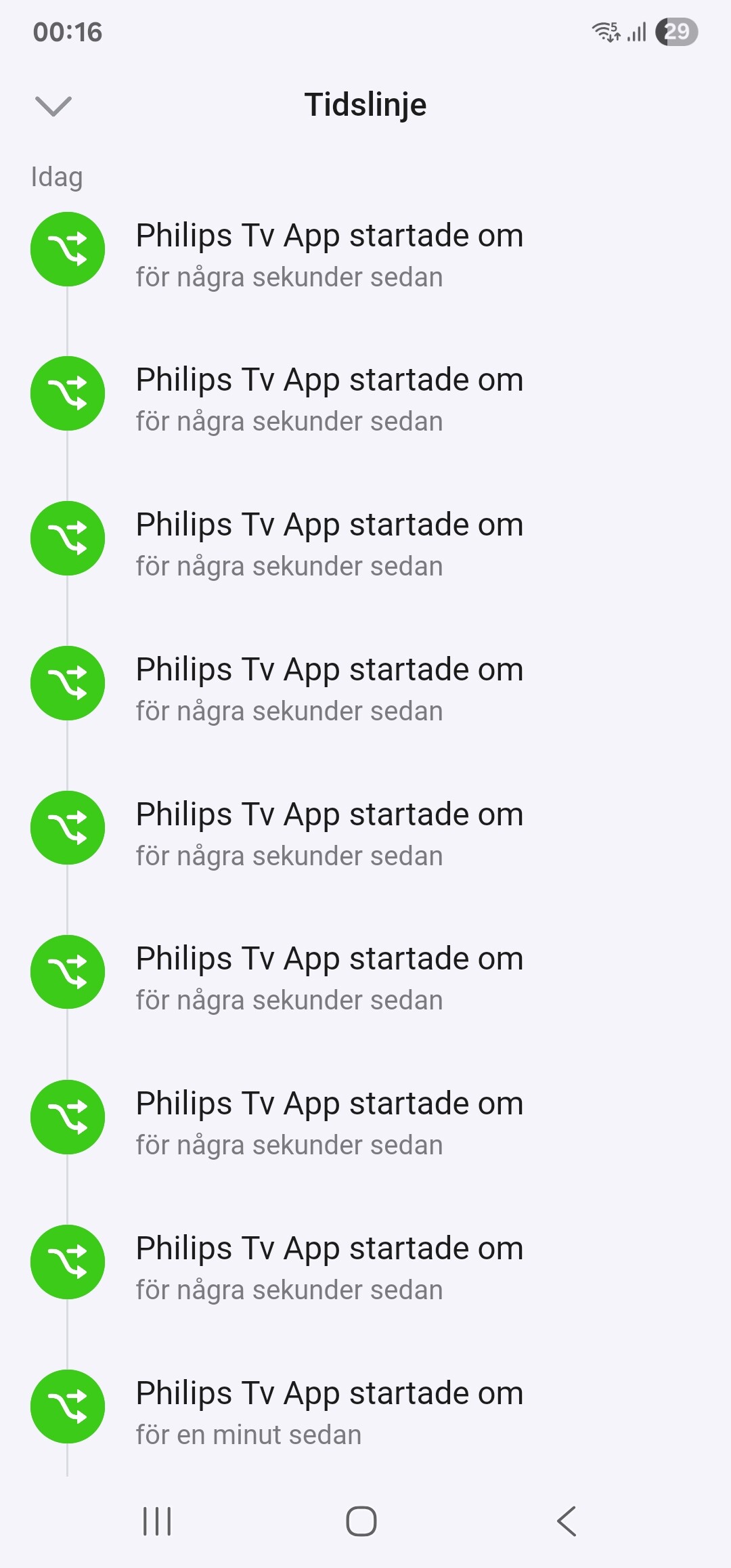
Today the app crashed multiple times and then Homey crashed, it used 8.1GB of Ram (I have a bigger Pi in my Homey Pro), removed the app and restarted Homey, now it only use 1.3GB Ram. Something isn’t right.

same here, but I think @lucasvdh does not have the time anymore to maintain this

Hi everyone,

I took a small two-year hiatus from open-source work, but I’m back at it.

2.5.1 has been the live version for that entire stretch and a lot of work has piled up on the test track in the meantime. I’d really like a few of you to try the new build before I publish it.

Test version: https://homey.app/a/codes.lucasvdh.philips-jointspace/test

What’s changed in v3.7.1

Reliability

  • Full TypeScript rewrite (v3.0.0) fixed a lot of the “app stops responding after a while” bugs.
  • Much more stable HTTPS communication on Philips Android TVs: fewer crashes of the TV’s internal API service, devices stay marked “available” more consistently, and automatic transport recovery when the TV’s HTTPS service falters mid-session.
  • I’ve done a deep-dive into a couple of Philips Restlet quirks that don’t appear to be documented in the wider Jointspace community, digest auth nonce binding to TCP sessions, and a CPU-consumption bug in Restlet’s NIO stack that force-closes connections. This hopefully means that the new app adds less strain on the xtv (jointspace) service causing it to crash less. Working on this both took most of v3.5.

Pairing

  • Auto-discovery for modern Android TVs over mDNS (next to SSDP).
  • New Repair flow to re-link a device when the TV’s IP changes, without losing the existing flow references.
  • “By IP address” fallback in the diagnostic tool for TVs that aren’t discovered automatically.

Flow editor

  • App icons in the app pickers (lazy-loaded from the TV).
  • New trigger “A specific app was opened”.
  • New conditions for current app / source / screen.
  • New actions: turn the screen on / off.
  • New triggers: source changed, screen turned on/off.
  • Channel switching with autocomplete (should work on legacy TVs too).
  • Source switching if your TV supports it (still has fallback to using Google Assistant to switch source).
  • Channel up/down keys actually work now (they were declared but unhandled in the 2.x line).

Diagnostic report tool

Because every Philips firmware is a little different and historically that meant a lot of back-and-forth on issues.
The new diagnostic report page in app settings runs in ~5 seconds and produces a Markdown report containing:

  • TV model, firmware, API version, OS type (Android / Saphi / legacy)
  • The exact response of every endpoint we touch, with status and timing
  • The app’s cached settings and store values per device
  • SSDP / mDNS discovery state
  • ARP / MAC info
  • A raw JSON appendix at the bottom

Paste it into a GitHub issue together with a small description of your issue and I should have everything I need to reproduce or pinpoint the problem without a single follow-up question.
There’s also a “By IP address” tab for TVs that won’t pair, so the report works even when the regular setup path is broken.

The hope is that this will shorten the roundtrip from bug report to fix, for both me and you.

Other

  • Custom screen_on capability for TVs that support it, turns the screen off while audio keeps playing.
  • current_application and current_source capabilities, with the former clearing when the TV goes to standby so “current app is Netflix”-style flow conditions stop matching when the TV is off.

Behind the scenes

  • Requires Homey firmware 12.2+
  • Node 22 runtime
  • Self-correcting transport (HTTP/1925 - HTTPS/1926) so devices recover automatically if firmware changes that shift endpoints.

What I’d love feedback on

  • Anything that used to work in 2.5.1 but doesn’t now (regression check is the main reason for the test period).
  • Whether the new pairing / Repair flow finds and links your TV.
  • Whether the screen-on/off toggle works (if your model has it).
  • App icons rendering correctly in the flow card pickers.
  • If the “specific app was opened” flow card trigger works for you.

If things look stable after a week or so I’ll submit 3.7.1 for review.

If you run into any issues, please generate the diagnostic report and post it in a new issue on GitHub: https://github.com/lucasvdh/codes.lucasvdh.philips-jointspace/issues/new

Thanks in advance for the help! :folded_hands:

So far, the new version hasn’t crashed for any of the 60 people currently running it.

If no new major issues or bugs are reported, I’ll submit this version for review tomorrow.

I submitted a new issue but this may be more a compatibility issue than anything else.

I’ve been waiting for this one! Great to have you back @lucasvdh