Woop woop 


I’ve just added a dedicated Resume Mowing button in version 1.1.21 — it sends the same command as “Continue” in the Dreame app (siid:5, aiid:1) without requiring a zone selection. After a bumper or other error, simply press Resume Mowing on the device card and the mower will pick up its current session right where it left off.
Could you please let me know if it works for you?
Thank you
Pause and Resume mowing now works from Homey 
The Resume command seems to be missing from Flows, could it be added there as well? 
Added in version 1.1.22 — “Resume mowing” is now available as a Flow action under Then…, and “Resume Mowing button pressed” is available as a When… trigger.
Hello!
I’m trying to get this to work with my Mova viax 300 and I can add the mower just fine, all the status update correctly but nothing happens when I press Start Mowing (Zone Selection). How do I get it to start? None of the buttons seem to work.
Hi Skossan
Did you choose the Zone?
Andi
I feel a bit dumb now. I didn’t realise I could click on the top of the “Mow Mode” text and choose a zone from there. Now it works! Awesome! Thanks!


I did something similar and added a whitelisting to only create timeline entries for the events I wanted, perhaps it would do the trick for you as well @Asterix?
Hi Micke
What’s that?

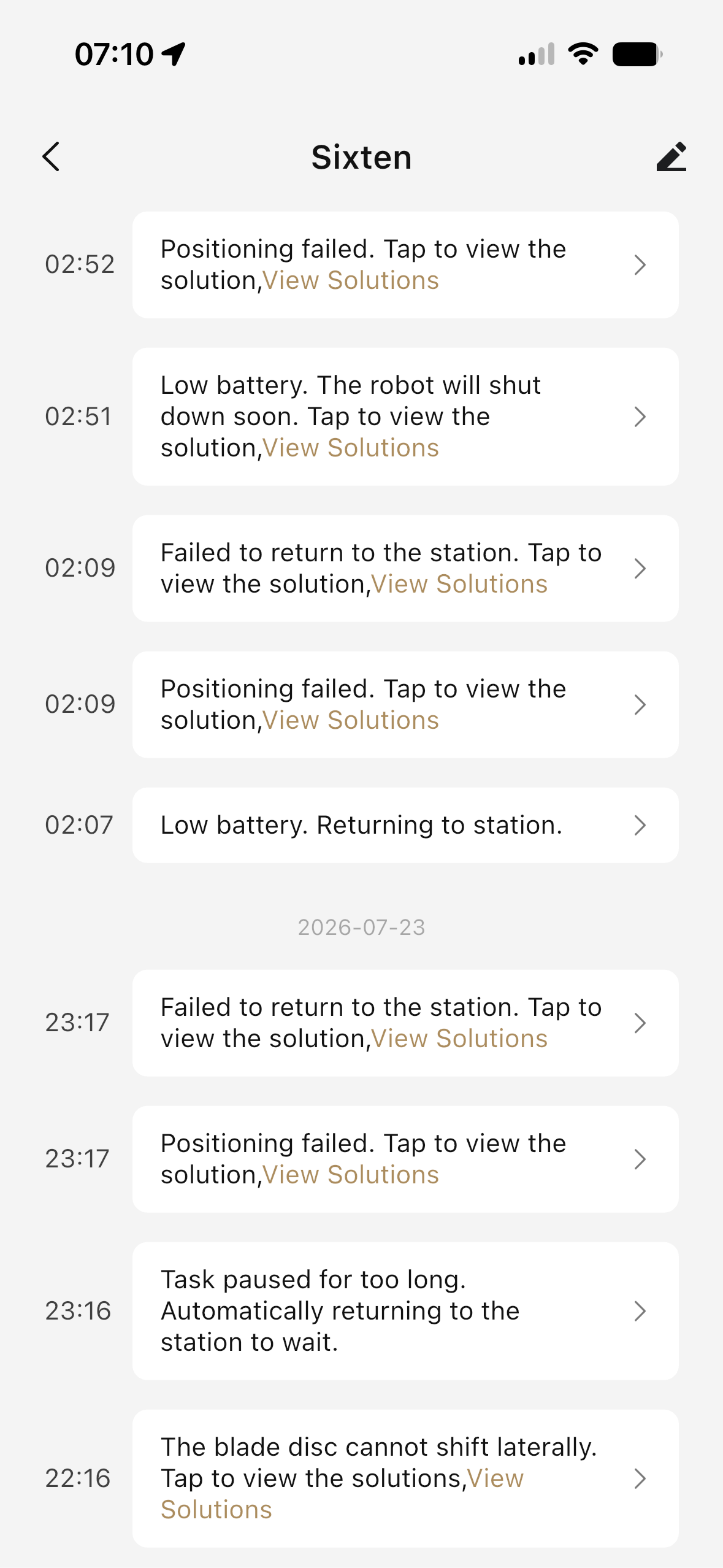

To pinpoint exactly which field contains the real code, could you open Settings → App Logs in the Homey app shortly after one of these errors occurs and paste the log lines that start with [diag]? They look like this:
[diag] latestStatus=4 rawStatus=error ... faultCode=0 ... info keys: ..., property sub-keys: ...
The field list at the end of that line will tell us where on your device the real fault code is hiding (e.g. latestFaultCode, errCode, something inside property, etc.) — then it’s a quick fix to add that field to the lookup chain.
So what you are asking me to do is the exact same thing you asked me to do last time I reported this very issue. A smarter person (apparently not me) would have figured this out and not wasted everybody’s time. 
Will get back with more info when I am able to reproduce! 


As I don’t have a complete error table yet (number‑to‑error mapping), this information is extremely valuable. Please let me know if you have any additional details. This one is now included in version 1.1.28.
Thank you, Fishflu!
