# Not being able to log in with different Spotify account
**URL:** https://community.homey.app/t/not-being-able-to-log-in-with-different-spotify-account/5893
**Category:** Questions & Help
**Created:** [December 25, 2018, 4:16pm UTC](https://community.homey.app/t/not-being-able-to-log-in-with-different-spotify-account/5893 "2018-12-25T16:16:14Z")
**Posts on this page:** 2
**Page:** 1
### Author:  [@Auke\_Westerterp](https://community.homey.app/u/Auke_Westerterp)
#### Post date: [December 25, 2018, 4:16pm UTC](https://community.homey.app/t/not-being-able-to-log-in-with-different-spotify-account/5893/1 "2018-12-25T16:16:14Z")
I think I’ve found a bug. Once the ‘Spotify for Sonos’ app has been logged into with an account, it is not allowing for another account to be logged in anymore ever.
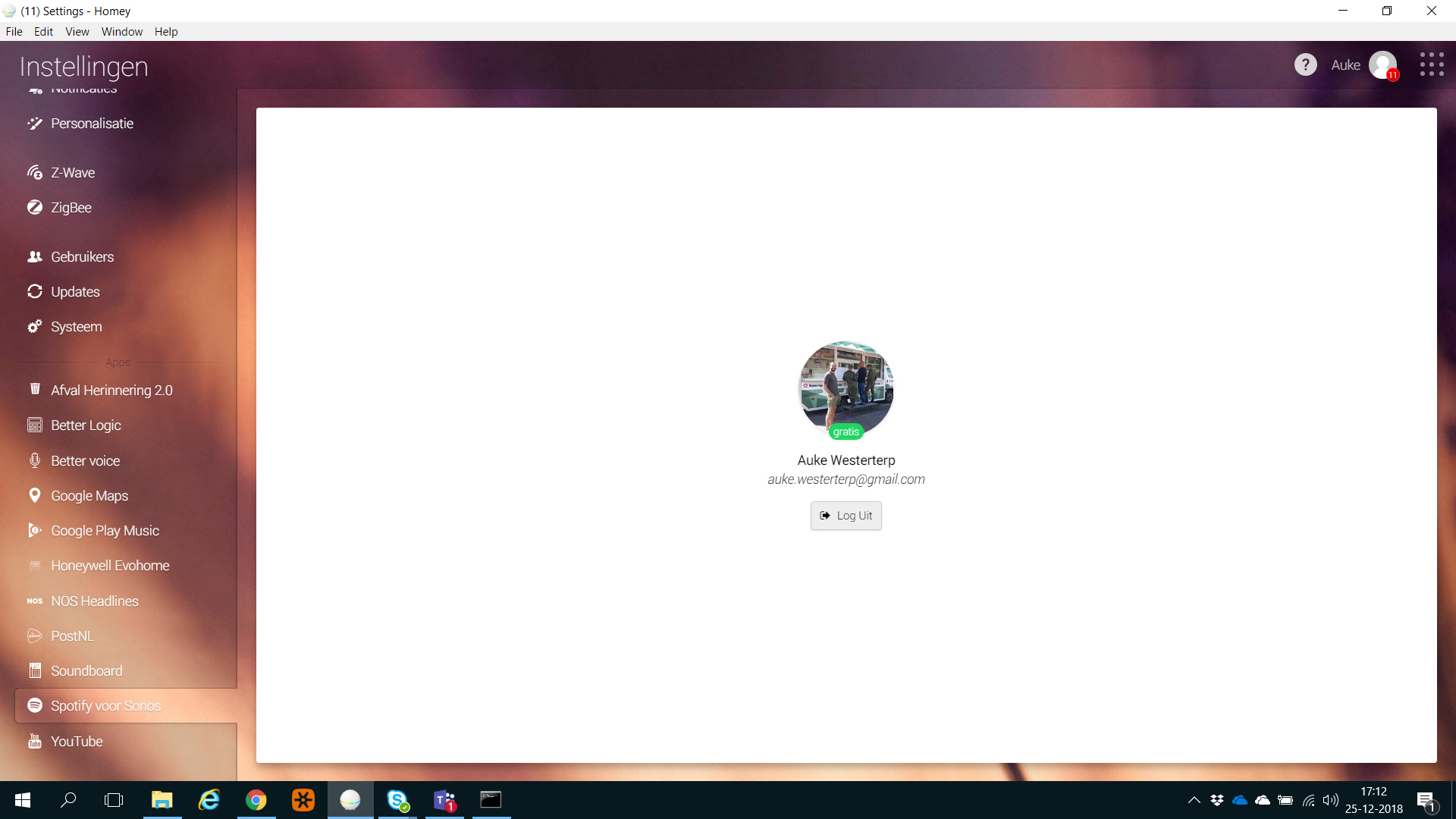
If chosing to log out from the above screen, I get the below screen.
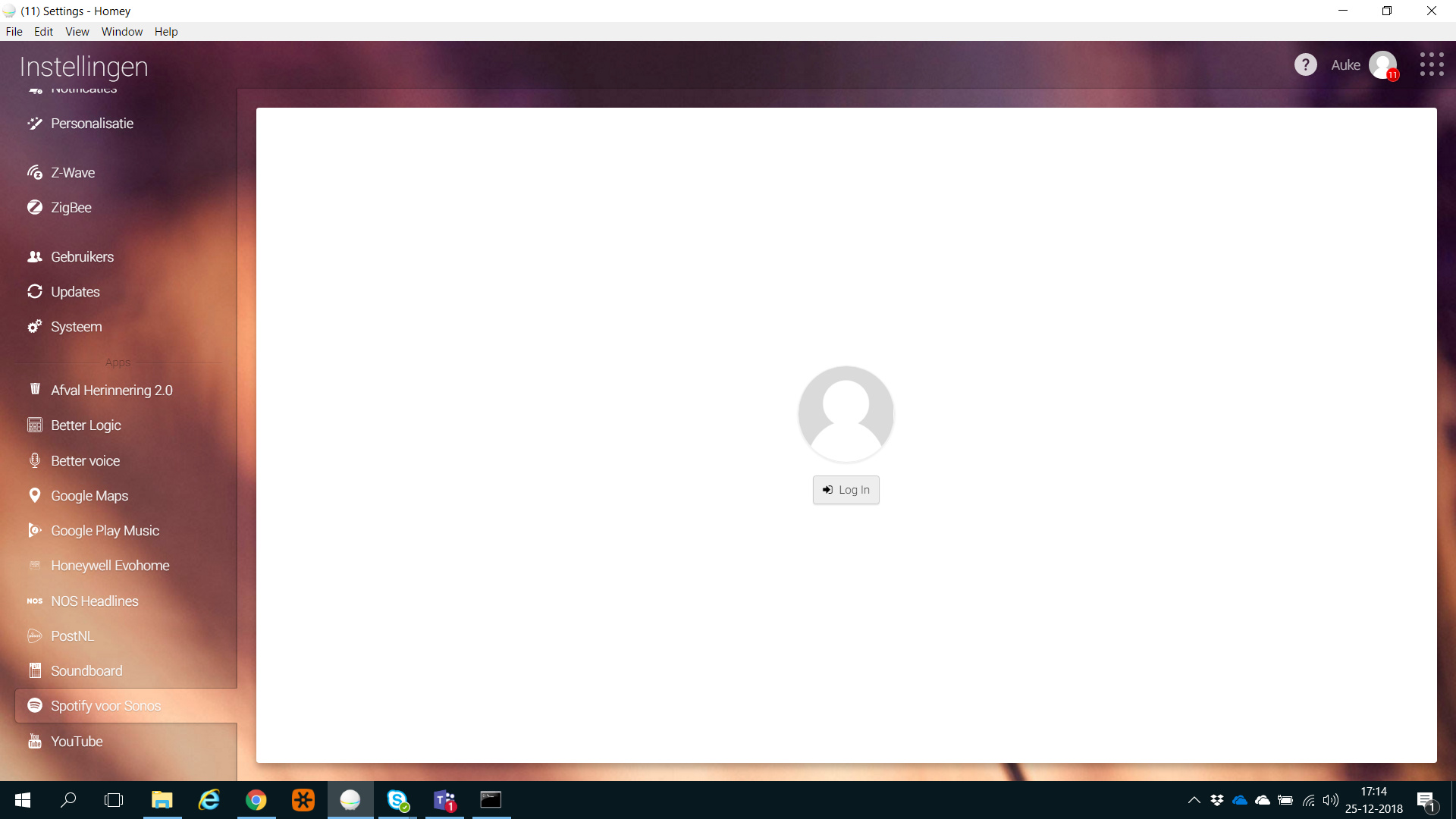
When pressing log in again I get straight back logged in to my account.

I’ve deleted and reinstalled the app, but it does the same thing.
Has anyone else experience this and solved it?
---
### Author:  [@seiko](https://community.homey.app/u/seiko)
#### Post date: [January 24, 2019, 6:06pm UTC](https://community.homey.app/t/not-being-able-to-log-in-with-different-spotify-account/5893/2 "2019-01-24T18:06:22Z")
Log in to your spotify account with a webbrowser and
then go to the APPS in your spotify account. Here you can remove the homey
app. After that you can reinstall your speaker