# Ikea Rodret and long press for dimming
**URL:** https://community.homey.app/t/ikea-rodret-and-long-press-for-dimming/151721
**Category:** Questions & Help
**Created:** [February 26, 2026, 2:51pm UTC](https://community.homey.app/t/ikea-rodret-and-long-press-for-dimming/151721 "2026-02-26T14:51:44Z")
**Posts on this page:** 3
**Page:** 1
### Author:  [@Thyg0d](https://community.homey.app/u/Thyg0d)
#### Post date: [February 26, 2026, 2:51pm UTC](https://community.homey.app/t/ikea-rodret-and-long-press-for-dimming/151721/1 "2026-02-26T14:51:44Z")
I’ve got a Ikea Rodret dual button with longpress and a Ikea Stoftmoln ceiling light.
Both support dimming.
I can set Relative Dimming in a flow but how do I get it to repeat quick, a regular delay is 1Sec which is way to long.. I want .25 or .3 sec per repeat.
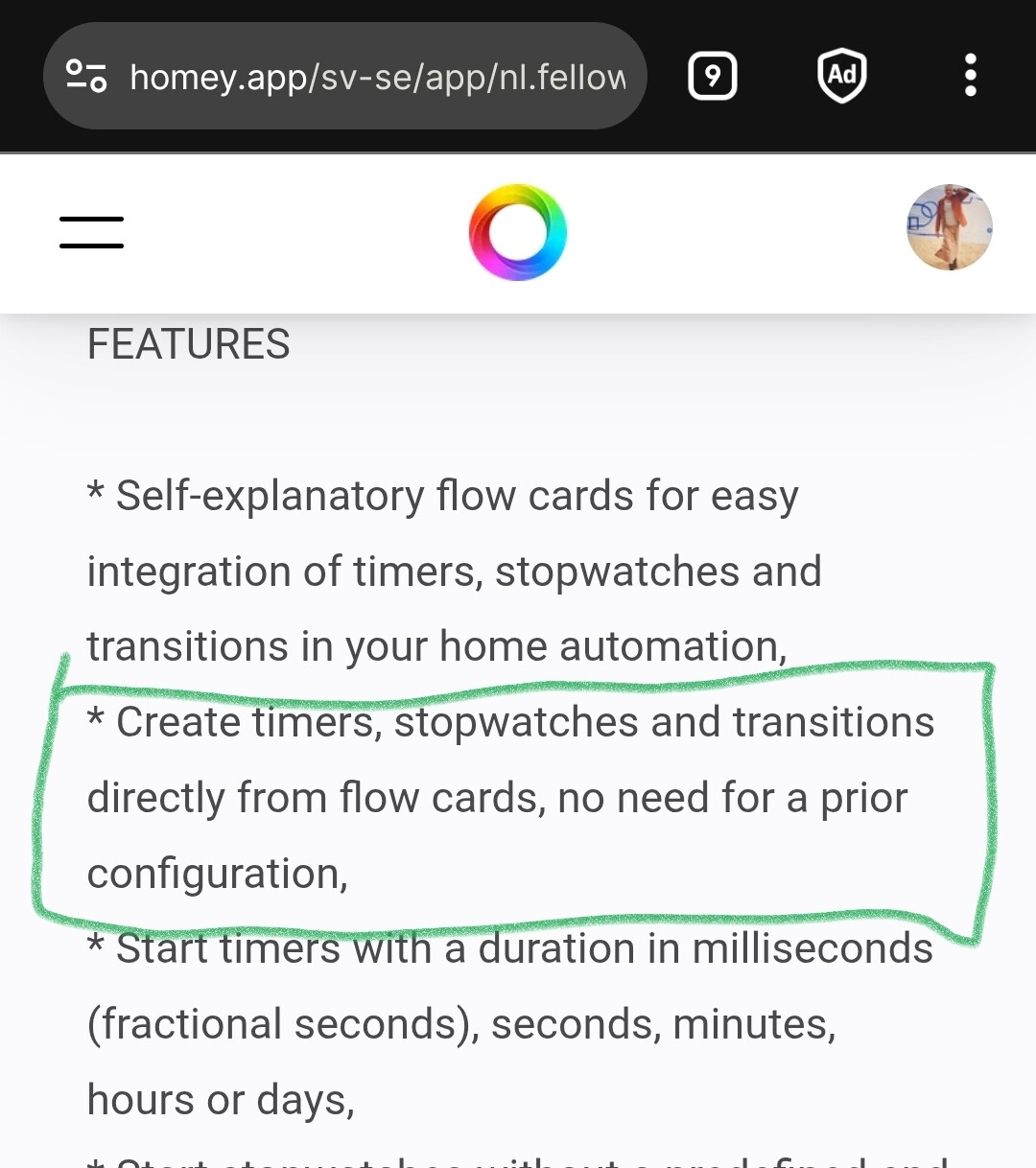
I tried the [Chronograph](https://homey.app/sv-se/app/nl.fellownet.chronograph/Chronograph/) app which is supposed to install Timers and stopwatches but it
doesn’t seem to work as when I choose Timers it says no device found.
Any suggestion on how to get around this?
Can I loop the relative dimming level somehow?
TIA!
---
### Author:  [@smarthomesven](https://community.homey.app/u/smarthomesven)
#### Post date: [February 26, 2026, 3:07pm UTC](https://community.homey.app/t/ikea-rodret-and-long-press-for-dimming/151721/2 "2026-02-26T15:07:37Z")
> [@Thyg0d](#):
>
> Can I loop the relative dimming level somehow?
That’s not possible, since the RODRET only exposes a single trigger card (no separate held and released events). This means that it will only trigger once.
---
### Author:  [@Peter\_Kawa](https://community.homey.app/u/Peter_Kawa)
#### Post date: [February 26, 2026, 6:24pm UTC](https://community.homey.app/t/ikea-rodret-and-long-press-for-dimming/151721/3 "2026-02-26T18:24:13Z")
> [@Thyg0d](#):
>
> I tried the [Chronograph](https://homey.app/sv-se/app/nl.fellownet.chronograph/Chronograph/) app which is supposed to install Timers and stopwatches but it
> doesn’t seem to work as when I choose Timers it says no device found.
Timers, stopwatches and transitions are created on the fly
> [@Sent same notification only each 3O min](https://community.homey.app/t/sent-same-notification-only-each-3o-min/151552/10):
>
> You can create new timers right after inserting a timer card, and use unique names, by entering a timername in the “pick” field.
> If the name is unique, it presents a dropdown marked with “_new_”.
> Important: after you entered the unique name, you should select it to actually create a new timer.
> When you save the flow, the timername will be shown as existing timer:
> The same “pick” field also shows existing timernames you can select in new timer related cards, like “When timer x has finished”.
>
> Chronograph has a nice dashboard, where you can view all running timers, and also pause/resume / stop them as well.
> It also shows the last run time of timers
>
> 
>
> (With the word _timers_ i mean timers, stopwatches or transitions)
It’s in the fine manual by the way