# \[APP\]\[Pro\] Creality - Control your Creality 3D printers
**URL:** https://community.homey.app/t/app-pro-creality-control-your-creality-3d-printers/150419
**Category:** Apps
**Tags:** app, homey-pro, community-app
**Created:** [February 1, 2026, 1:19pm UTC](https://community.homey.app/t/app-pro-creality-control-your-creality-3d-printers/150419 "2026-02-01T13:19:38Z")
**Posts on this page:** 4
**Page:** 4
### Author:  [@ugrbnk](https://community.homey.app/u/ugrbnk)
#### Post date: [July 16, 2026, 6:30pm UTC](https://community.homey.app/t/app-pro-creality-control-your-creality-3d-printers/150419/61 "2026-07-16T18:30:00Z")
Could you please test it and get back to me?
Camera fixes for every platform: the printer camera now has two entries. Snapshot is a still image that Homey Pro fetches from the printer itself, so it works in the Android app, the web app, and remotely. Live (iOS only) is the MJPEG video stream, which only the iOS app can play on the local network — Android cannot decode MJPEG video and browsers block the plain-HTTP stream from the secure web app, which is why only iPhone showed live video before. Also added one-time camera diagnostics logging (model, firmware code, WebRTC support flag) to help bring live video to more platforms in a future update.
[https://homey.app/en-tr/app/com.creality/Creality/test/](https://homey.app/en-tr/app/com.creality/Creality/test/)
---
### Author:  [@philthynz](https://community.homey.app/u/philthynz)
#### Post date: [July 16, 2026, 7:36pm UTC](https://community.homey.app/t/app-pro-creality-control-your-creality-3d-printers/150419/62 "2026-07-16T19:36:16Z")
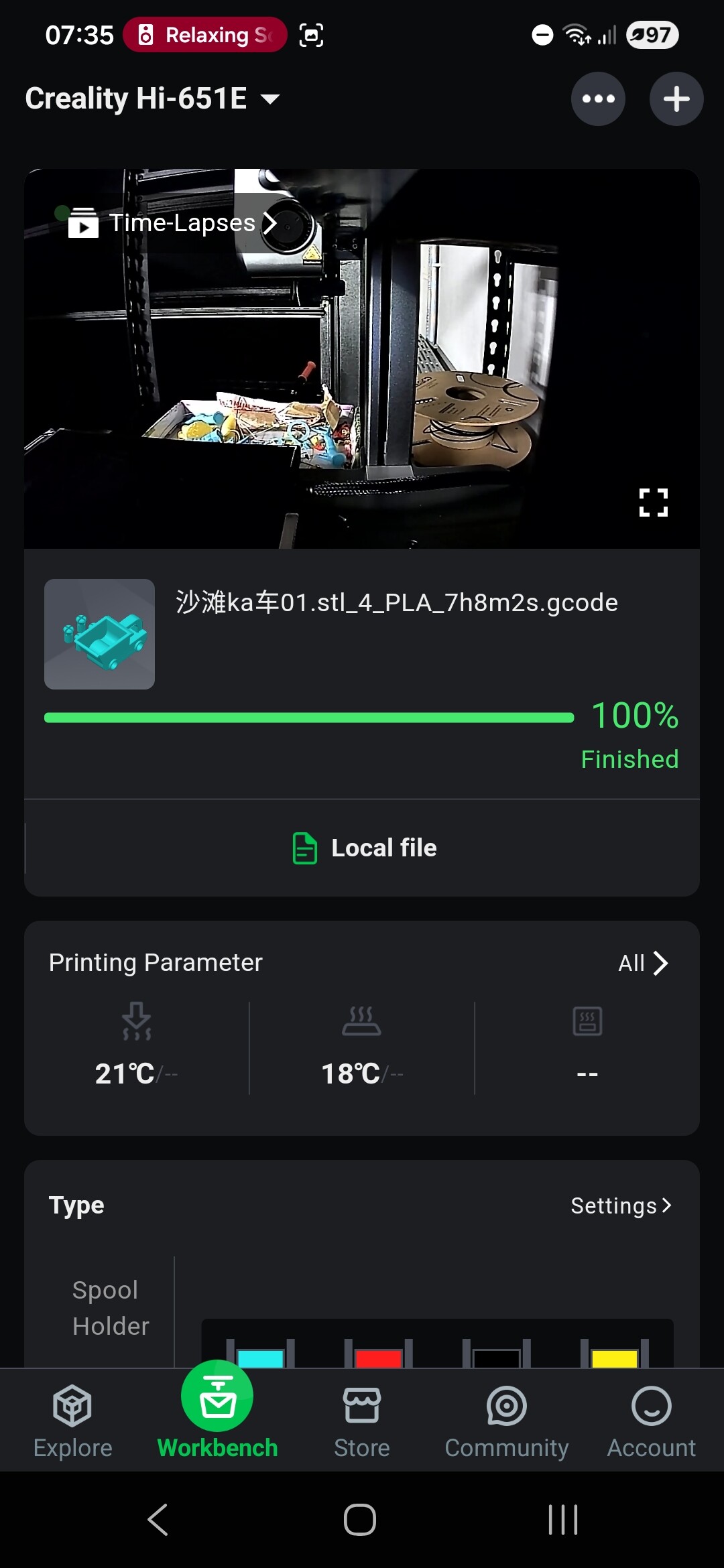
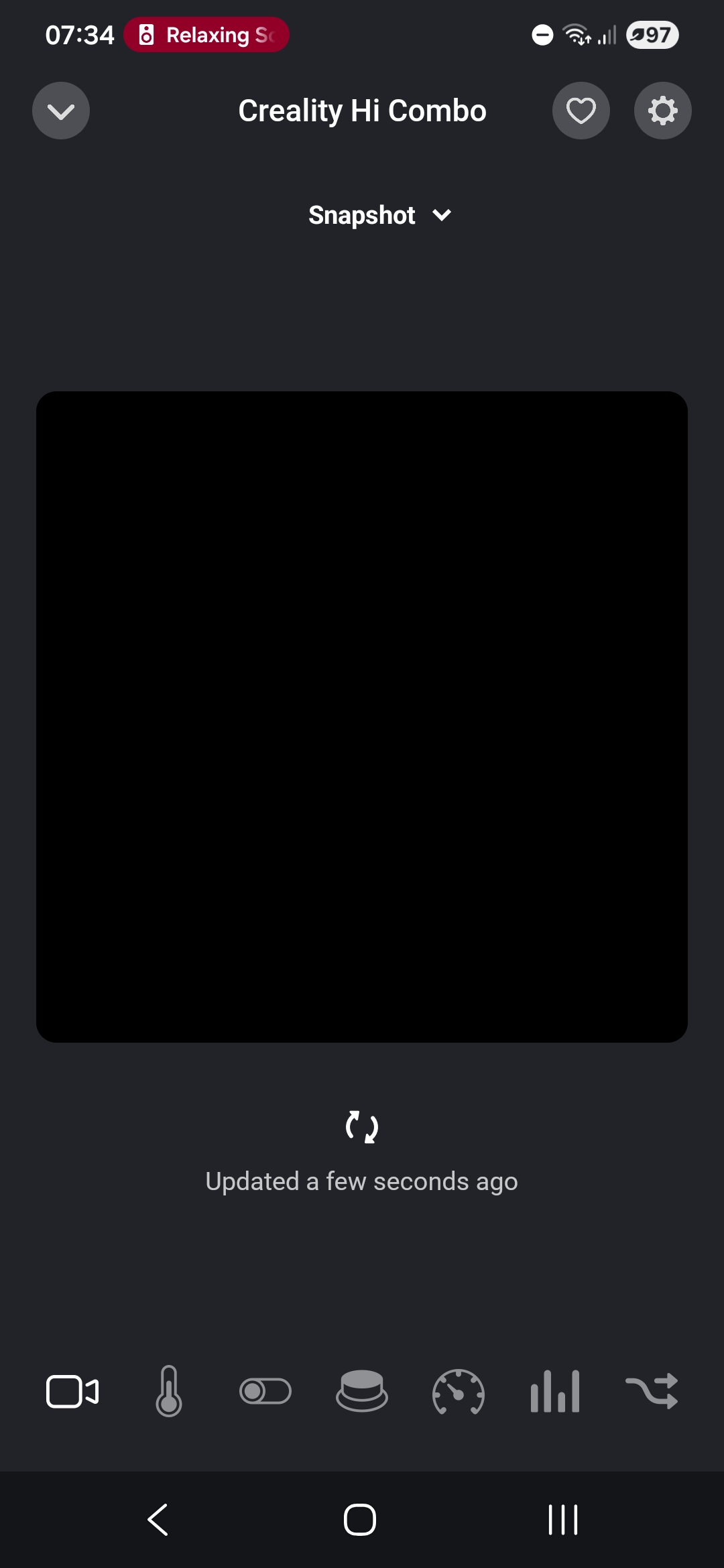
Yea a screenshot would be good. Unfortunately this update just shows a black screen.
Log # e0a83ba8-d5e9-440d-b7c6-c0bb67ad8676
---
### Author:  [@ugrbnk](https://community.homey.app/u/ugrbnk)
#### Post date: [July 17, 2026, 3:25pm UTC](https://community.homey.app/t/app-pro-creality-control-your-creality-3d-printers/150419/63 "2026-07-17T15:25:34Z")
> **[Creality | Homey](https://homey.app/en-tr/app/com.creality/Creality/test/)**
>
> Control your Creality 3D printers
---
### Author:  [@philthynz](https://community.homey.app/u/philthynz)
#### Post date: [July 17, 2026, 10:38pm UTC](https://community.homey.app/t/app-pro-creality-control-your-creality-3d-printers/150419/64 "2026-07-17T22:38:34Z")
Awesome! I can confirm live view now works on Android for Creality Hi.
Many thanks!
[Previous page](https://community.homey.app/t/app-pro-creality-control-your-creality-3d-printers/150419.md?page=3)