Just to be absolutely sure, you have not mixed up both channels in Homey? The config you posted is from the situation where input0 (in Homey called input 1) is set to button and where input1 (in Homey called input 2) is set to switch and where you observe that input 1 is available and input 2 isnt? And what value does the input 1 has when it’s available? And you have not switched the channels in the configuration somewhere?
No mixing here. Representation of 0 based and 1 based counting is considered.
For the configuration posted above from the API calls to the shelly device, neither of the two devices created in homey have input cards available.
Ok, another thing to check. Did you change the device class from socket to something else, like light for instance?
Hi shelly experts, I just installed a new Shelly PRO EM-50, two-channel, single-phase energy meter. However, i can only see the values of 1 channel. Is there a way to see the values of the 2 channel?
I’m not even sure how to change the class. On the device or in Homey?
During pairing it should have added two devices, one for each channel. The relay should have been added under the first channel. If you do not see this try removing it and re-pairing it. If that still adds only one channel, please send me a diagnostic report from the app settings directly after trying again.
Under the device settings in Homey. But if you dont know how it’s not been changed. I still dont understand how this can happen and need time to test. But I’ll be on holiday the upcoming week so you’ll have to wait for it.
Perfect this was the solution. You’re the best, shelly 
Could you test 3.22.3 which is currently available in the test channel of the app store to see if that fixes your issue.
Unfortunately it’s just the same.
I have installed the test version, re-added the device and it’s still the same. I tested re-configuring the first input as a switch and re-added the device and just as before, the inputs become available. That is to say the behaviour is just the same as described previously.
Hi
I have a Shelly Pro 4PM. When adding a new device it finds the Shelly but then always aborts with an error. What could be the reason for this?
What is the error?


The firmware is up to date
I changed the language to show you the message in English.
Now it works?! 
Maybe the reboot.
I’ve been trying for almost 2 hours… 
Thanks anyway
I have a problem with the new Wave Shutter. The classic shutter function works as expected. However, I would like to use it in Venetion mode. Unfortunately, the slats position cannot be adjusted at all.
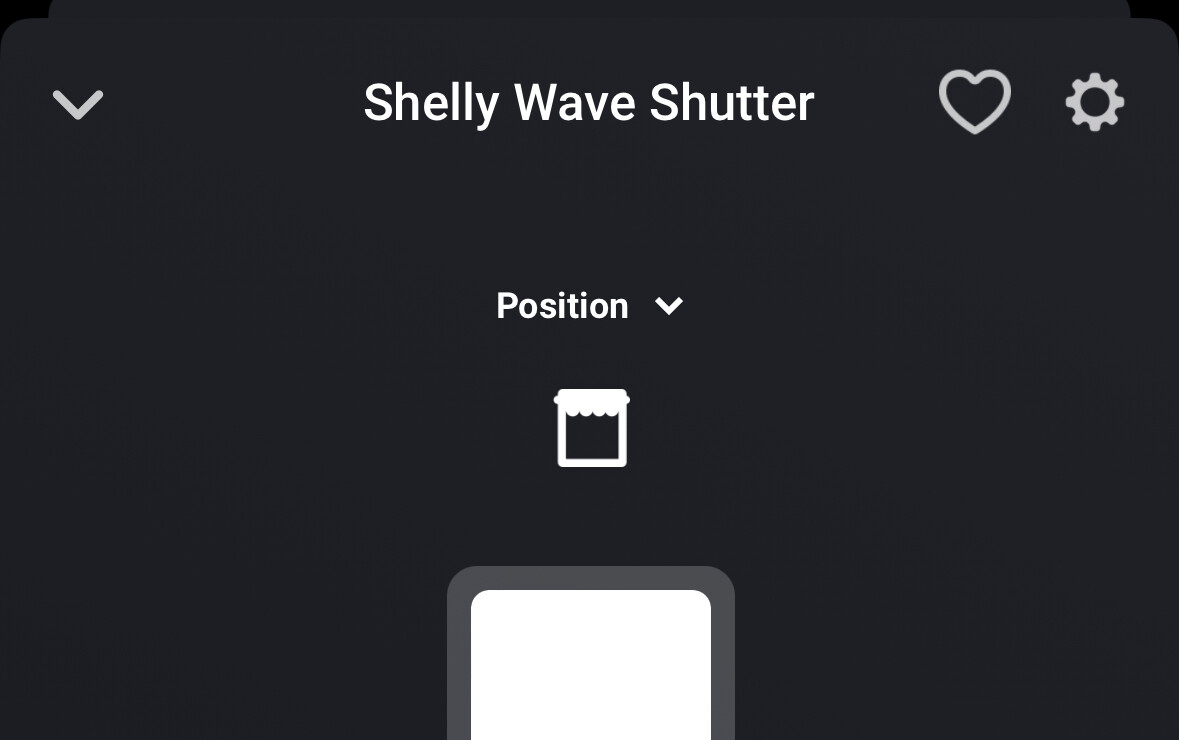
I can switch between position and slats position in the control panel. However, when the slats position is selected, the angle does not change, but the entire shutter moves to the position of the slider, regardless of what I have selected above.
In addition, the possibility to move the slats to a certain position is missing in the flows.

I don’t have the Wave Shutter myself and I don’t have any Venetian blinds so I can not test and have no clue how this should work and if this is an issue with the app, Homey itself or your installation/usage. The implementation is quite simple though. It adds the windowscoverings_set capability upon pairing. And it adds the windowcoverings_tilt_set capability when the device is updated to Venetian mode. You probably need to restart the app before the flow cards for this capability become available though. Please check that.
But I have no clue what is happening and the angle is not changing when using this capability. I’d have to ask Allterco Robotics and/or Athom which takes time and even with their answer it’ might be hard for me to understand what needs to be done.in the app to solve this.
I now also believe that there is a general problem. But just briefly to understand how the whole thing should work.
An external venetian blind has such slats. (see picture)

However, there is only one motor with two directions of rotation for all functions.
This means
- The motor turns in one direction and the external venetian blind closes completely.
- The motor turns in the other direction, the slats rotate once by 180° when raised and the external venetian blind opens completely.
If the external venetian blind is closed and only the slats are to be opened, the motor must turn briefly in the opening direction. The time that the slats need for a 180° turn can be set in the Z-Wave parameters.
That is actually all!
So the operation should actually work as follows:
Position mode: The Spider moves the external venetian blind completely up or down

Mode Slate Positions: The complete range of the Spider refers exclusively to the time that the slats need for a 180° turn. For example, if 1.5s is set for one rotation of the slats, the motor must move up 0.75s for 50% tilt angle.
It should also be noted that the slats are always completely closed when the external venetian blind is closed and always completely open when it is opened.
If it is a general problem, it would be nice if you could forward the topic to the appropriate place.
Thanks already.
So when you want your shutters to be horizontal, you first have to be sure they are all the way down, and then make them go up for let’s say 0,5 seconds.
For Somphy RTS, it is almost the same. The short time is accomplished by 5 commands up of 0,1 second. Just like on your Somphy remote.
Still not sure it is. In the scenario the blinds are completely closed and you only wish to open the slats only. And assuming you also have to slats duration configured in the parameters. What happens when you use the slats position slider? That still corresponds to the complete open and close position of the entire blinds (including the slats)?
If the external venetian blind is completely down and I set the slider for the slat position to 60%, for example, then the external venetian blind moves up to 60% and then turns the slats by 180°. It does this at every position. The time seems to be set correctly, because it always turns exactly 180°.
Unfortunately, I can’t think of any scenario where this behavior would make sense.
When fully closed it will first move the slats when operating the slats position? So if I would override the default implementation of the slats position capability and take the slats duration parameter into account for the full 100% slider that would solve it?
