I have published a new test version that fixes an issue in the BLE discovery. Could you try that to see if it fixes the issue you are experiencing.
Thanks for trying Adrian! Unfortunately no difference with 2.0.44 Test
Could you set the log level to Detailed information and then try to add the device. Once it has failed, go back to the log screen and tap on Send Log.
Also, make sure to use the mobile phone to add the devices as the web app times out before the discovery is complete.
done (maybe 15 seconds ago)
btw in case it helps: The BLE MAC is B0:E9:FE:C8:2F:6A
1 Like
I have published another test version. It seems the model id is not what I was expecting.
Unfortunately still the same with 2.0.45. Send again the detailed log, maybe 1 minute ago.
OK, I have tried again with another test version. Sorry for the backwards and forward, but I don’t have one of those so I can’t test it myself.
3 Likes
Amazing, now it works. Thank you so much!
1 Like
well.. My happiness only lasted very briefly. In the very beginning the temperature apparently was updated only once and since then not anymore.
See

Interestingly enough the RSSI-value gets updated super regulary, see

I just sent you the error-log, it says “!!! Parsed MeterPro BLE: No service data”
I don’t know, it’s probably not relevant, wanted to mention it anyway: The timestamps of the error log are german summer time, even though it’s already winter time. So it’s one hour too early in the log.
No service data is the cause of the problem as it contains the model type and battery level. For older devices it contains all the information, but on this device it’s on the manufacturer data.
Homey often has trouble receiving the data blocks. That’s why I created the ESP32 code as they are a lot more reliable.
Okay so am I getting it right, that there is no fixing it from your side? Then I’d try to sell it to the next poor soul  - because I already exceeded the 14day return time… Or do you want me to send it to you for free? Only shipping costs via PayPal. If so send me a DM.
I’m afraid that’s correct, it has been a long standing issue. Some Homey’s are better than others. One of my old Homey’s is great, while another is unusable.
If you are interested in making it work and don’t mind playing with an ESP32 DUBEUYEW 3PCS ESP32-S3 ESP32-S3-DevKitC-1 N16R8 WiFi Module + 5.0 Bluetooth Internet Development Board 16M External Flash Expansion 8M PSRAM With one Type-C Cable(soldered) : Amazon.co.uk: Computers & Accessories then I have code on my GitHub repo that integrates with the Homey app. The range is great and extremely fast.
1 Like
Thanks a lot for the interesting hint but I am not willing to add any more hardware.
Besides I am actually also quite terrified about the temperature measurement the SwitchBot Meter Pro shows. It’s roughly half a degree off compared to two other thermometers. So I am just going to get rid of it.
Anyway, again: Thanks for helping!! Much appreciated.
1 Like
Hi Adrian,
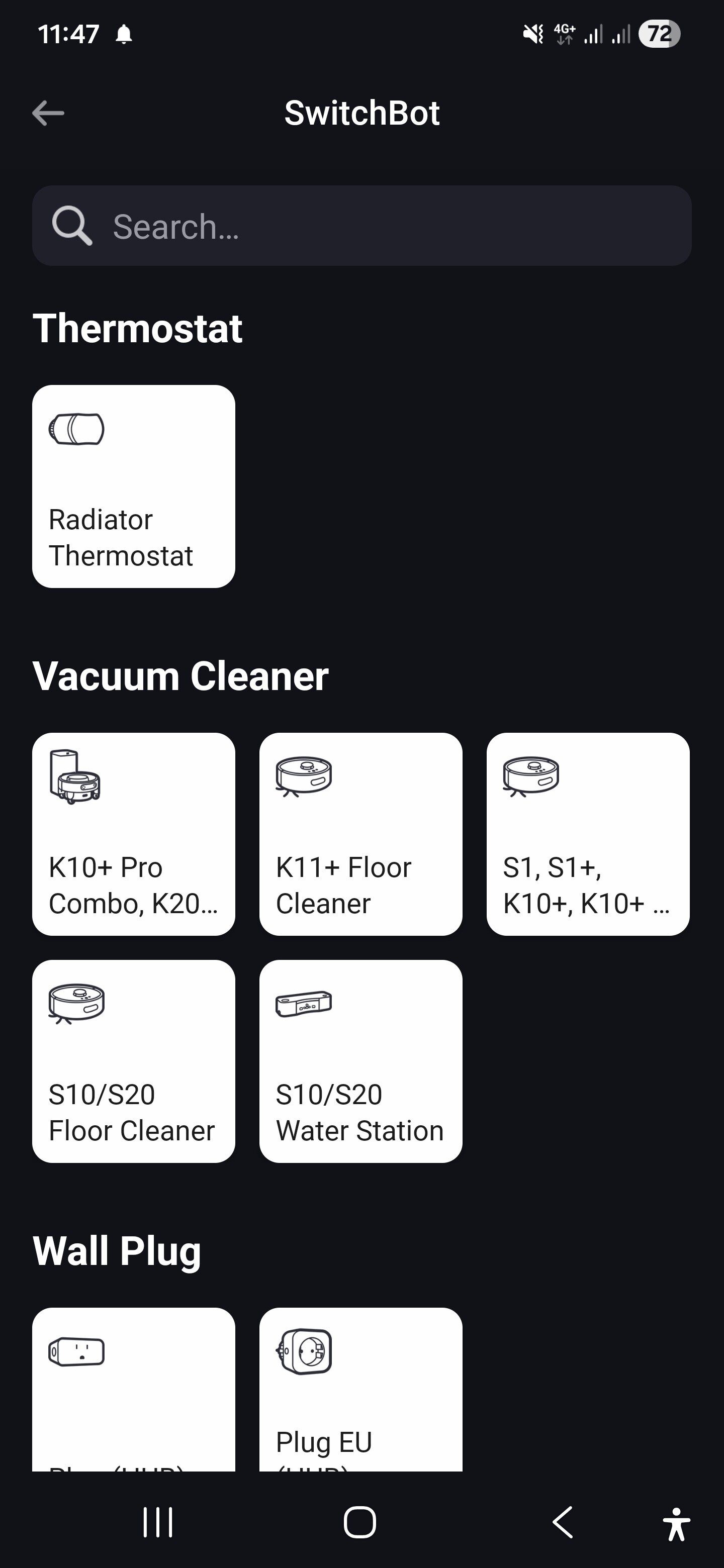
is it possible to add the SwitchBot robot K11+ to your app?
I’ve got this device and thought it is already supported, but only K10 or S10 is supported. Would help me a lot.
Greetings,
David
1 Like
Thank you for your fast response!
I’ll install the test version.
1 Like
Hi Adrian
First thanks for your great work. I am using your app with pleasure.
Yesterday I tried to connect my new presence (hub) sensor to the homey app. The sensor shows in the switchtbot app but is not found in homey. I restarted both apps but still no results. Do you know what is going wrong? Hereby the logs: 8358e0fd-e27c-4307-badb-f113c598173a
Let me know if more info ore testing is required. I hope you can help me.
Greets Gijs
Make sure you are using the test version of the app.
1 Like