I am unable to pair the Meter Pro in the non-CO2 version via BLE. However, I can pair all of my Meter Pro CO2 versions without any problems.
The SwitchBot app for Homey constantly runs in the search path “Finding MeterProCO2 BLE device” in the log and only parses the CO2 type. I don’t see any parse/pair attempts for the non-CO2 version, even though it appears in Discovery.
Hi all,
Recently I go the K10+ Pro Combo, but I’m having trouble connecting it properly to my Homey Pro (Early 2023).
When I try and add it through the Homey Switchbot App (regular and test) it doesn’t appear.
I can add it via the Matter setup and am also able to give it orders via the Homey Switchbot App, but when I want to use the vacuum in a flow, it’s not there.
I’m not involved with the Mater connection method, so I can’t comment on what Flow cards are available.
With the Homey Switchbot app can you open the app settings page and select the Detected tab, tap on GetHubDevices and then on Send log. I will check the information to see why it’s not available in the app.
I’ve also just added the Switchbot Strip Light 6A in the same way (via the Matter connection) because the regular way didn’t work.
While playing around I found out that I could create flows cards but I need to find the cards via the zones and not via the apps.
Sorry, yes I did see it. The app uses the standard Homey capabilities and Flow cards for the positions, so I would need to insert some custom cards for those functions. I have added the request to my list and will see what I can do.
Could you confirm the reported deviceType or send the log from the app settings page. I never trust the API document as it is wrong on quite a few devices.
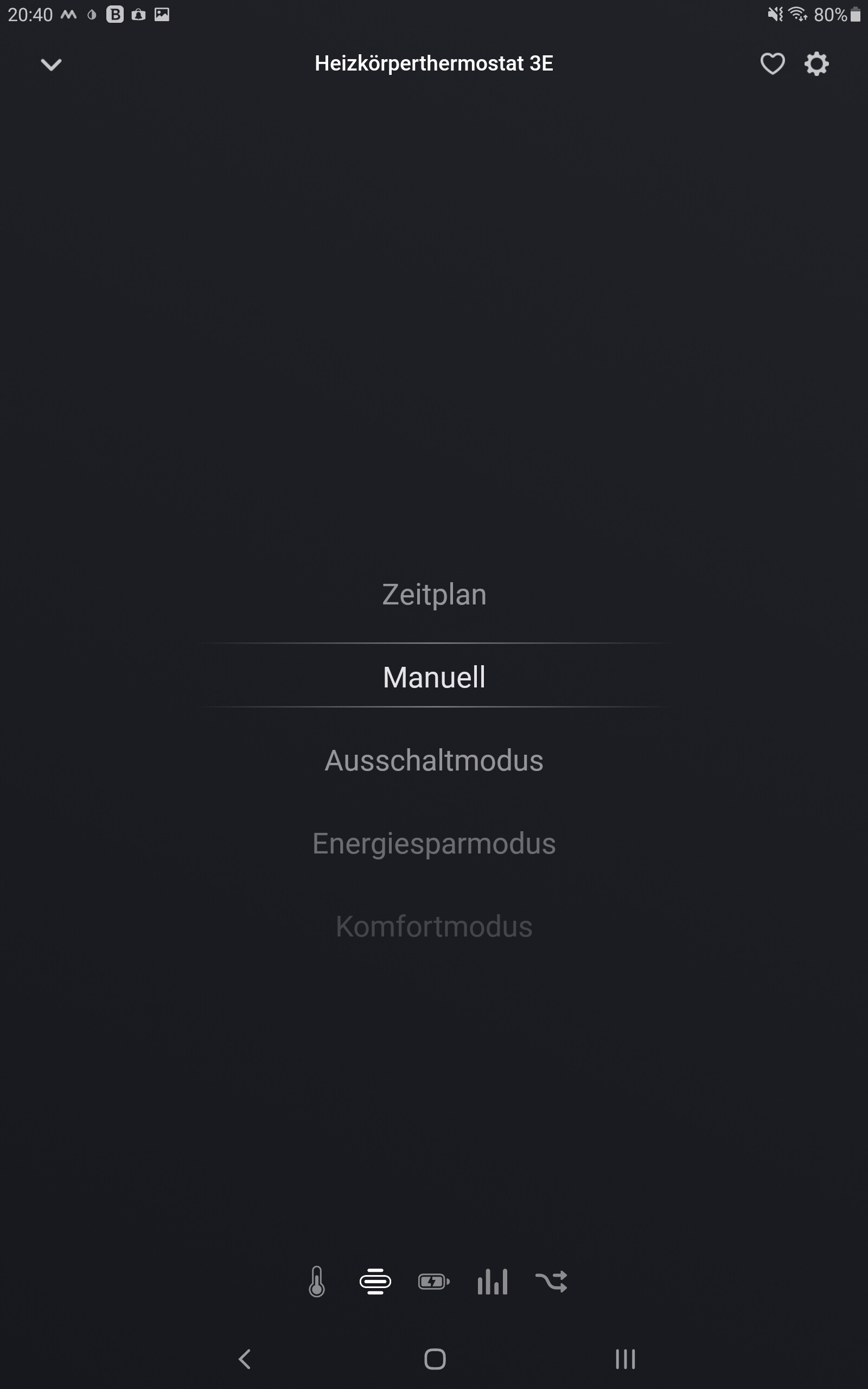
Sorry, not sure I can use that. If you open the app settings for the SwitchBot app and select the Detected tab, you can tap on Get Hub Devices and it will list all the devices in your account. If you then find one of your radiator thermostats and let me know what the “deviceType” is. The API says it’s “Smart Radiator Thermostat” but I have often found they use a short name, which might be something like woThermostat.
Thank you for confirming. Hopefully I will publish a test version this evening as I had most of it in place this morning before work. I just have to link up the custom mode capability to the function and create the Flow cards.
I have published a new test version. I haven’t been able to do much testing on the Radiator Thermostat as I don’t have one, yet. I have ordered one from Amazon, so maybe I will have one by Friday.